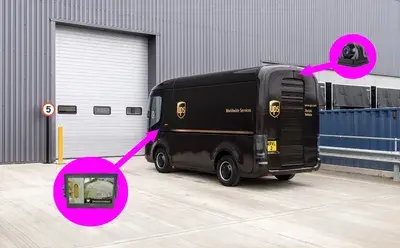
Simple viewing
Non-recording camera and display
Practical rear-view setup for drivers who need a live camera image without DVR storage, software review, or incident export workflow.

Backup Camera Systems
OcLUM supports practical rear-view and visibility camera builds for buses, vans, work trucks, and fleet vehicles. Packages can be simple non-recording display systems or recording-capable layouts tied into a DVR when the vehicle needs video retention.
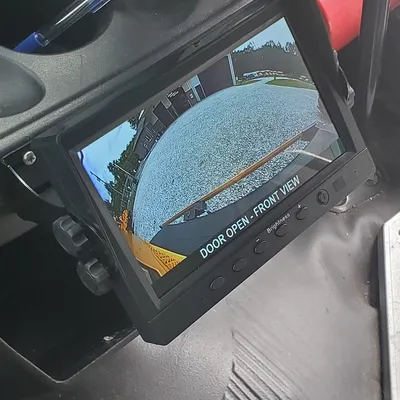
Backup camera requests are usually planned around the vehicle, the display location, the camera view needed, and whether the customer wants simple viewing or recorded video.
How These Fit
Some vehicles only need a rear camera and display. Others benefit from ultra-wide views, interior or exterior add-on cameras, manual switching, or recording through an OcLUM DVR package.
Simple viewing
Practical rear-view setup for drivers who need a live camera image without DVR storage, software review, or incident export workflow.
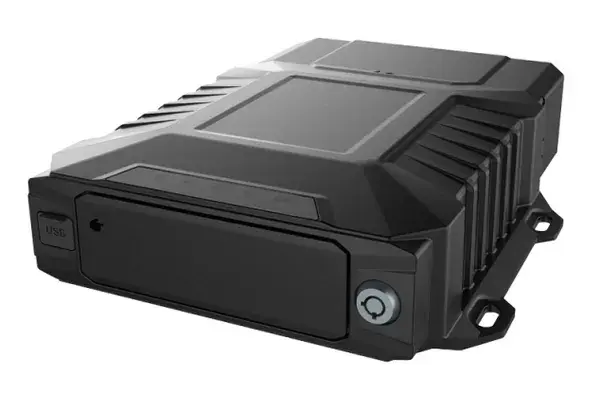
Recording capable
When video retention matters, the backup camera can be planned as part of a DVR system with storage, review, export, and additional camera inputs.
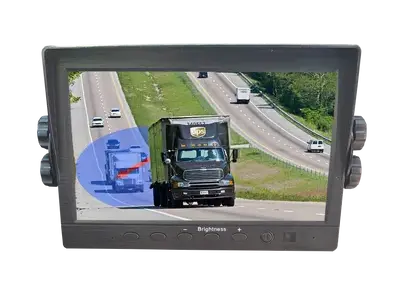
Display control
Display behavior can be planned around reverse activation, push-button viewing, or camera selection depending on how the vehicle is used.
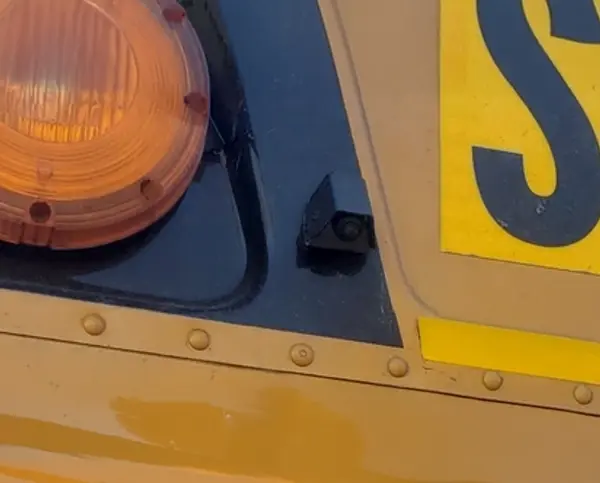
Retrofit planning
OcLUM can review an existing camera/display setup or plan a new camera package around the vehicle body, mounting points, and electrical access.
Camera Options
Many camera options overlap with OcLUM DVR and Abigail's compliance work, but this page is focused on everyday vehicle visibility and backup-camera support.
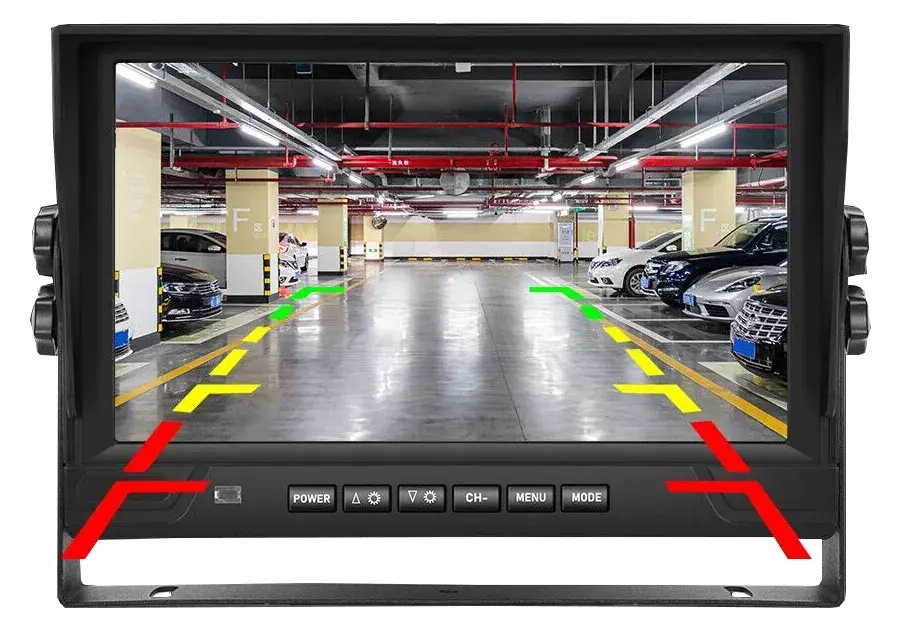 Standard IR backup camera
Familiar rear-camera style with a tighter backup view, bracket mounting, infrared support, and a durable exterior housing.
Standard IR backup camera
Familiar rear-camera style with a tighter backup view, bracket mounting, infrared support, and a durable exterior housing.
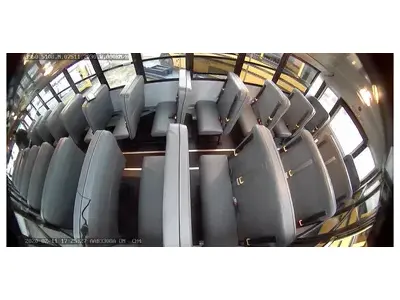 Ultra-wide adjustable camera
Small inside/outside camera for wider coverage. Automatic exposure and contrast adjustment helps keep the image usable in lower-light conditions.
Ultra-wide adjustable camera
Small inside/outside camera for wider coverage. Automatic exposure and contrast adjustment helps keep the image usable in lower-light conditions.
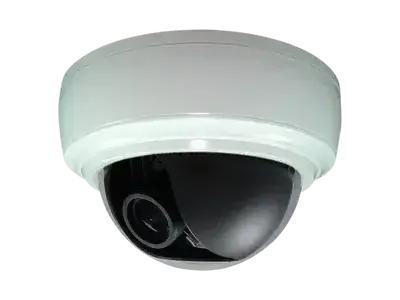 Interior dome camera
Interior camera option for vehicles that need passenger-area, cargo-area, or cabin visibility, especially when recording is part of the package.
Interior dome camera
Interior camera option for vehicles that need passenger-area, cargo-area, or cabin visibility, especially when recording is part of the package.
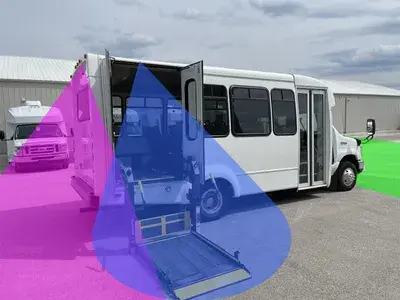 Side and exterior views
Side-view or exterior camera placement can be planned for vehicle-specific blind spots, body equipment, or fleet documentation needs.
Side and exterior views
Side-view or exterior camera placement can be planned for vehicle-specific blind spots, body equipment, or fleet documentation needs.
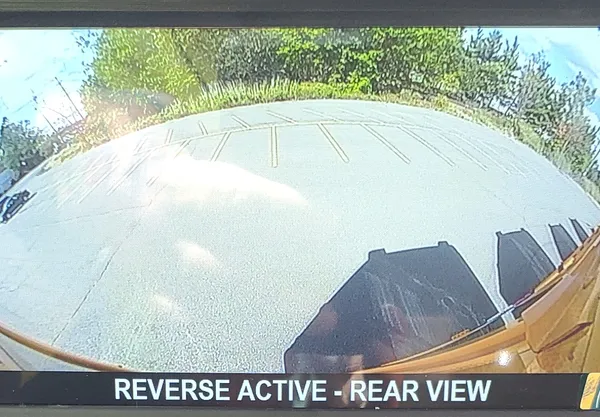 Wide exterior coverage
Ultra-wide views can help cover more of the vehicle area with fewer cameras when the mounting position and view angle are appropriate.
Wide exterior coverage
Ultra-wide views can help cover more of the vehicle area with fewer cameras when the mounting position and view angle are appropriate.
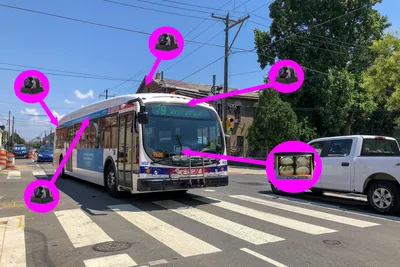 Additional cameras and brackets
Final packages can include brackets, mounting hardware, cable routing, displays, audio options, and DVR-ready camera planning.
Additional cameras and brackets
Final packages can include brackets, mounting hardware, cable routing, displays, audio options, and DVR-ready camera planning.
Recording Choices
Backup cameras do not have to become a full video system. When the customer only needs driver visibility, a non-recording display package is usually the cleaner fit. When incident review or documentation matters, OcLUM can move the same planning conversation into a DVR-capable build.
Practical Details
Backup camera work is usually quoted after confirming the vehicle, desired view, display location, power, mounting, and whether the system needs recording or only live viewing.
Plan a Camera Package
OcLUM can review the vehicle, existing equipment, rear-view needs, display location, and recording requirements before recommending a practical package.