Inspection Workflow
From scan to review, reports, and GPS-connected fleet records.
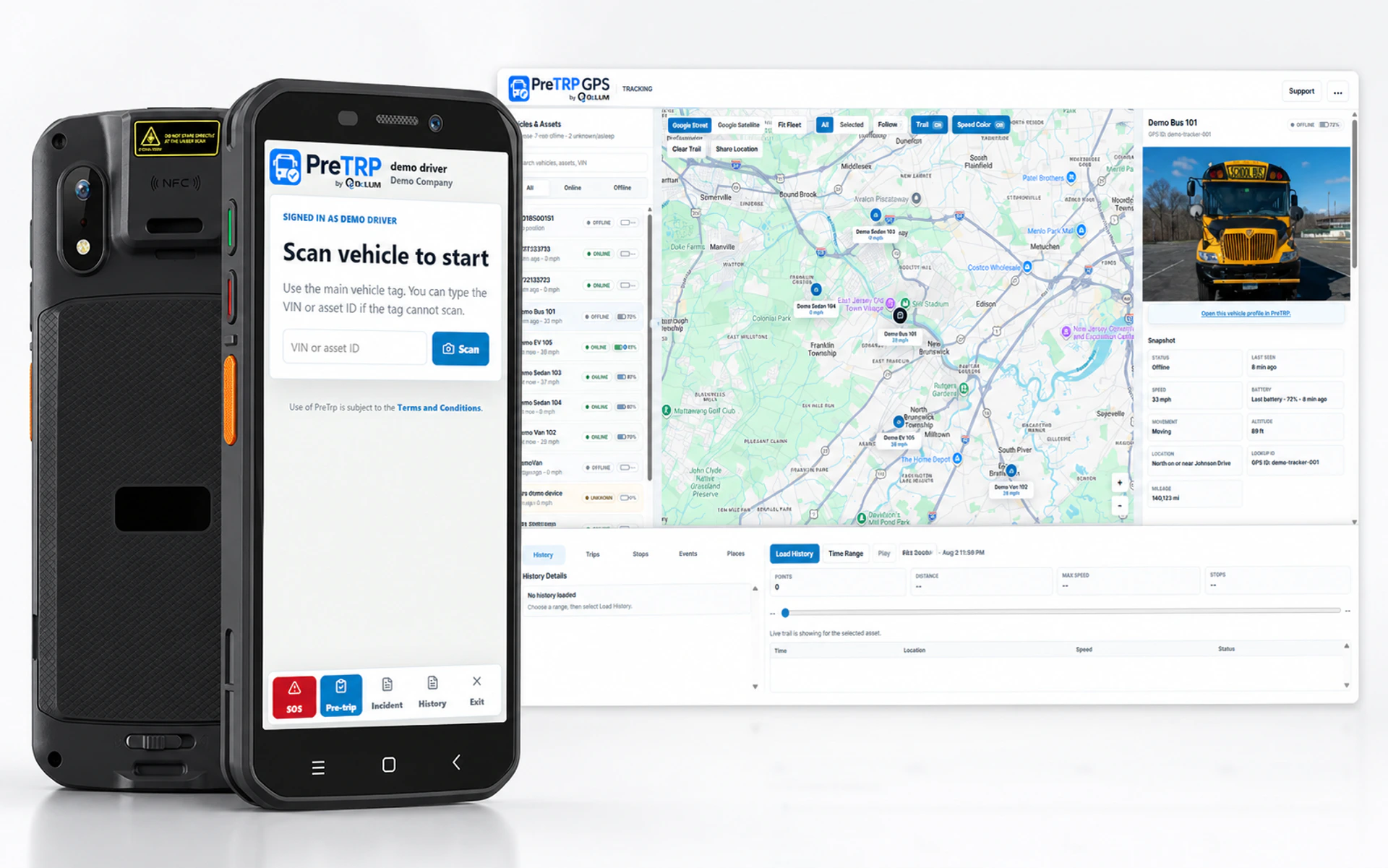
Drivers can scan a vehicle QR label to start an inspection, while technicians can run custom inspections where enabled. Submissions can route to technicians and/or admins for review, reporting, and follow-up.
1. Start inspectionDrivers scan a vehicle QR label, or a technician starts a custom inspection where enabled. Some custom inspection tools are paid-version features.
2. Submit for reviewInspection answers, issues, notes, and photos are submitted to the assigned technician and/or admin.
3. Review and reportTechnicians and office users review inspections, create reports, and track fleet activity.
4. GPS integrationConnect inspection activity with GPS system data where enabled for better fleet visibility.