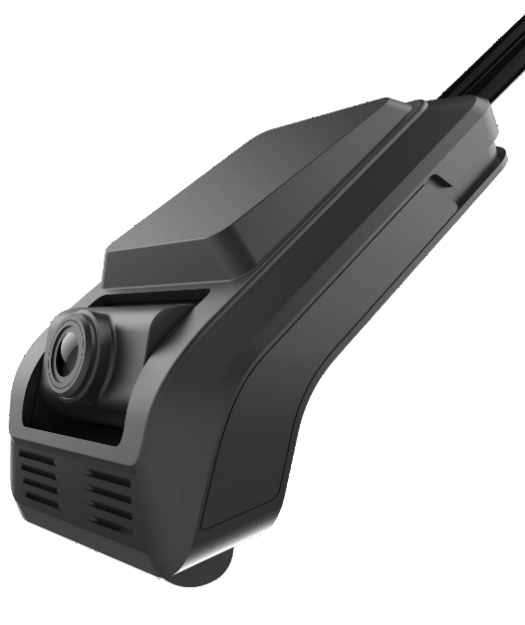
Low-profile windshield fit
Forward-facing wedge camera
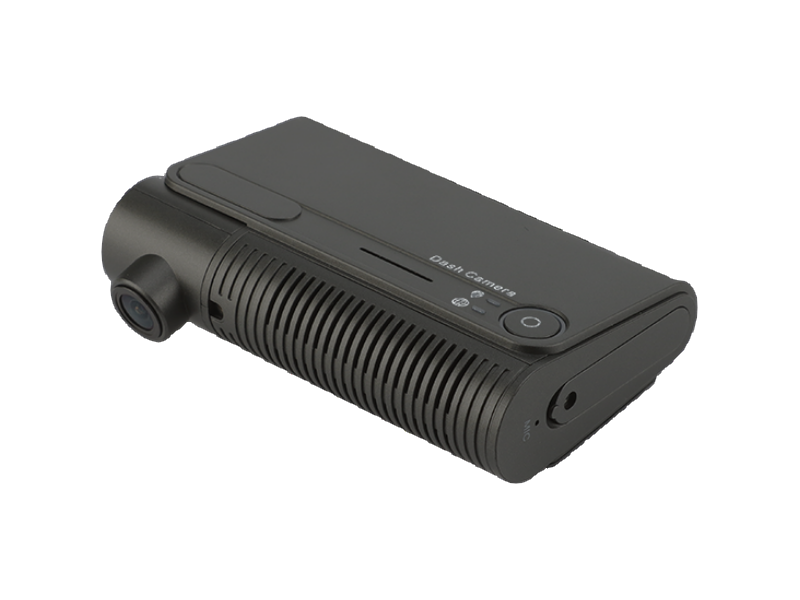
A compact angled housing keeps the road-view camera close to the glass and out of the driver's normal sight line.

Dash and driver cameras
OcLUM plans compact camera options for roadway context, driver and passenger-area coverage, vehicle-specific mounting, and practical video retrieval.
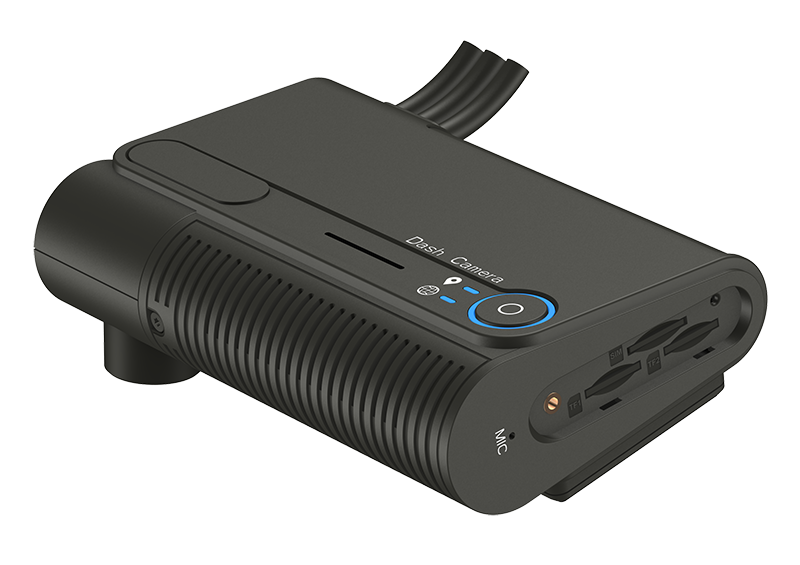
A low-profile camera can capture roadway context while keeping the windshield installation compact and serviceable.
Camera and mounting options
The final fit depends on windshield angle, mirror and sensor placement, passenger-area coverage, cable routing, storage access, and whether one or more views are required.
Low-profile windshield fit
A compact angled housing keeps the road-view camera close to the glass and out of the driver's normal sight line.
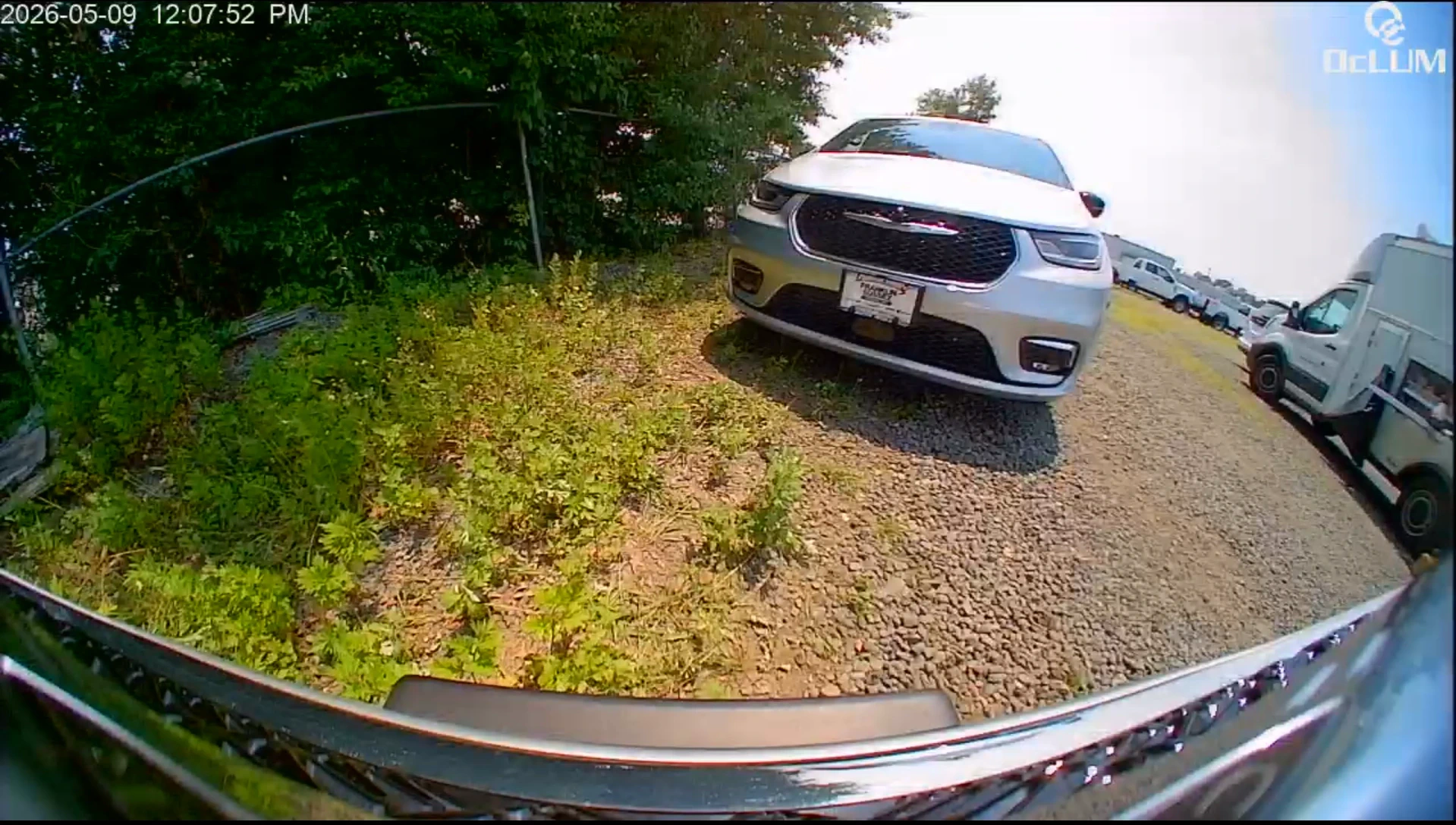
Road and exterior context
A wide exterior view records roadway and nearby vehicle context while the camera body provides accessible status, microphone, and storage controls.
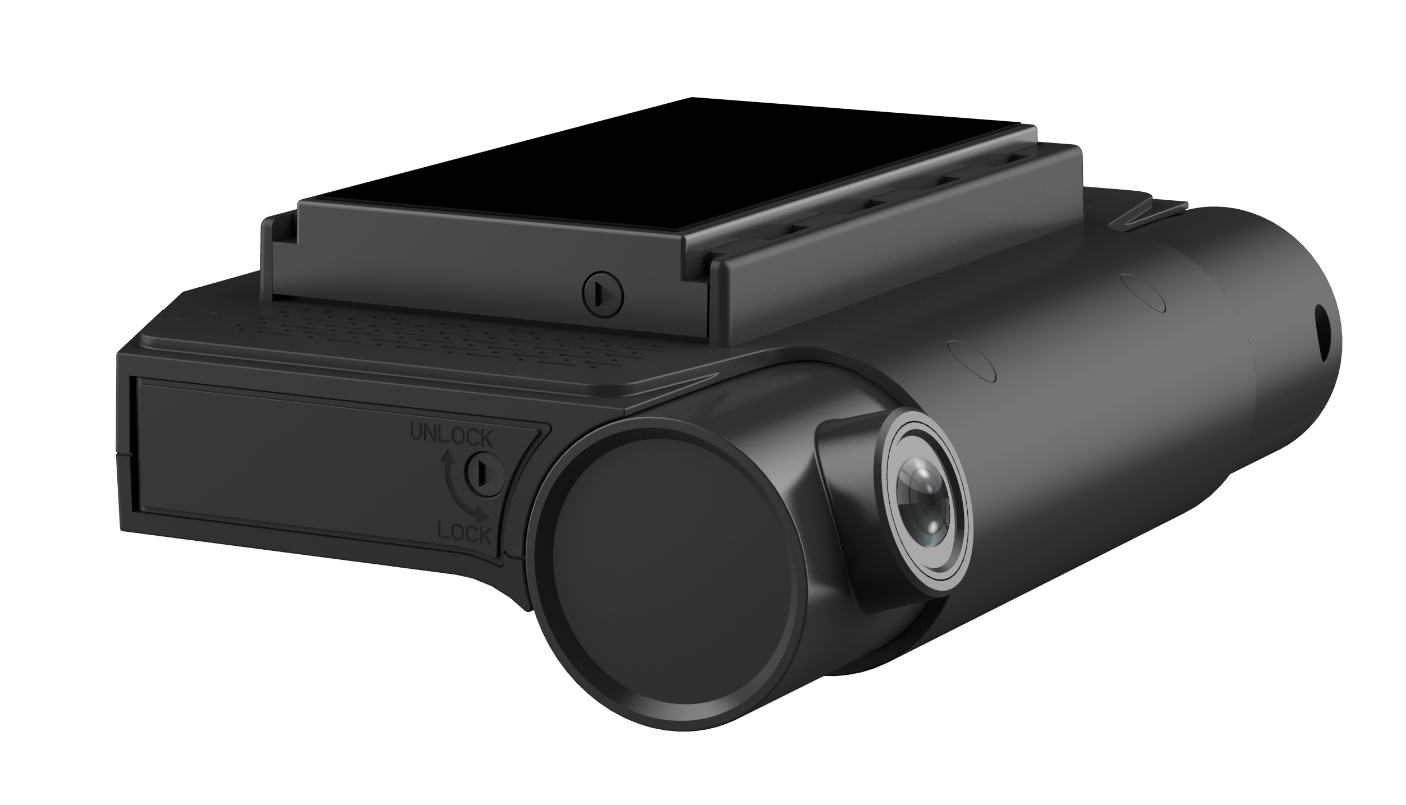
Secure installation
Mounting and removable-storage access can be planned so the device stays secure while remaining serviceable.
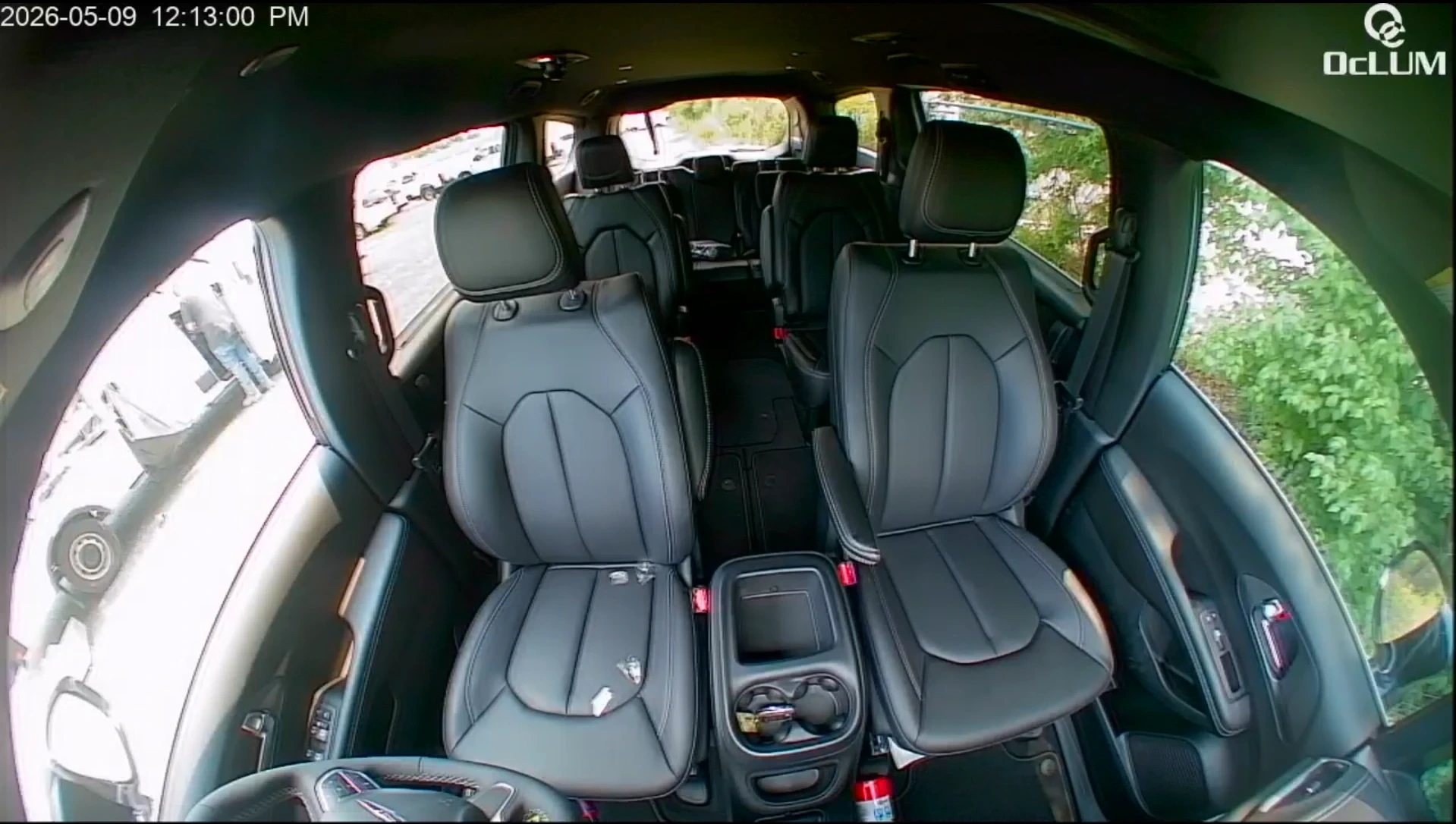
Driver and passenger view
A secondary camera can cover the driver, front passenger area, entry activity, or another cabin view when the selected system permits it.
Camera bodies and recorded views
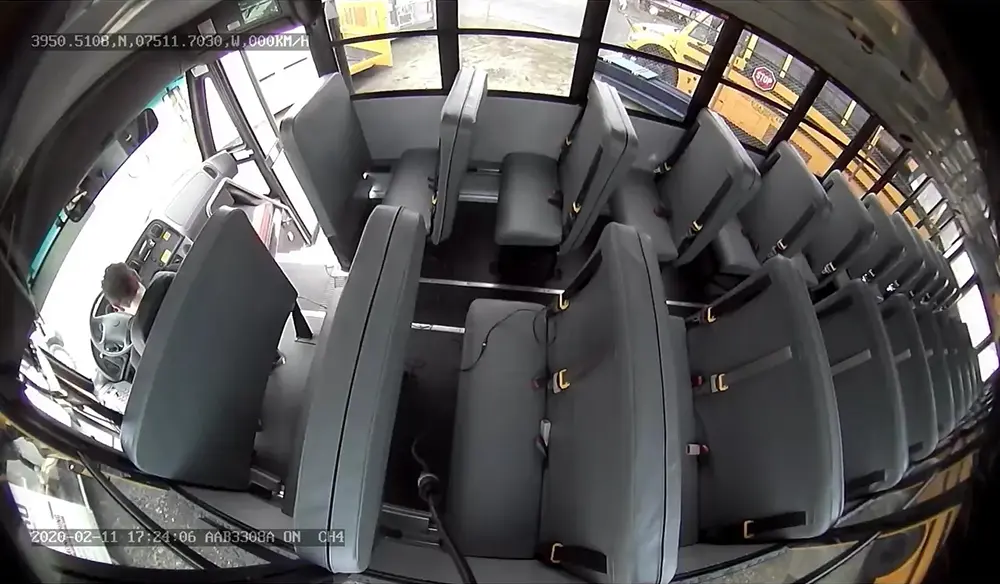
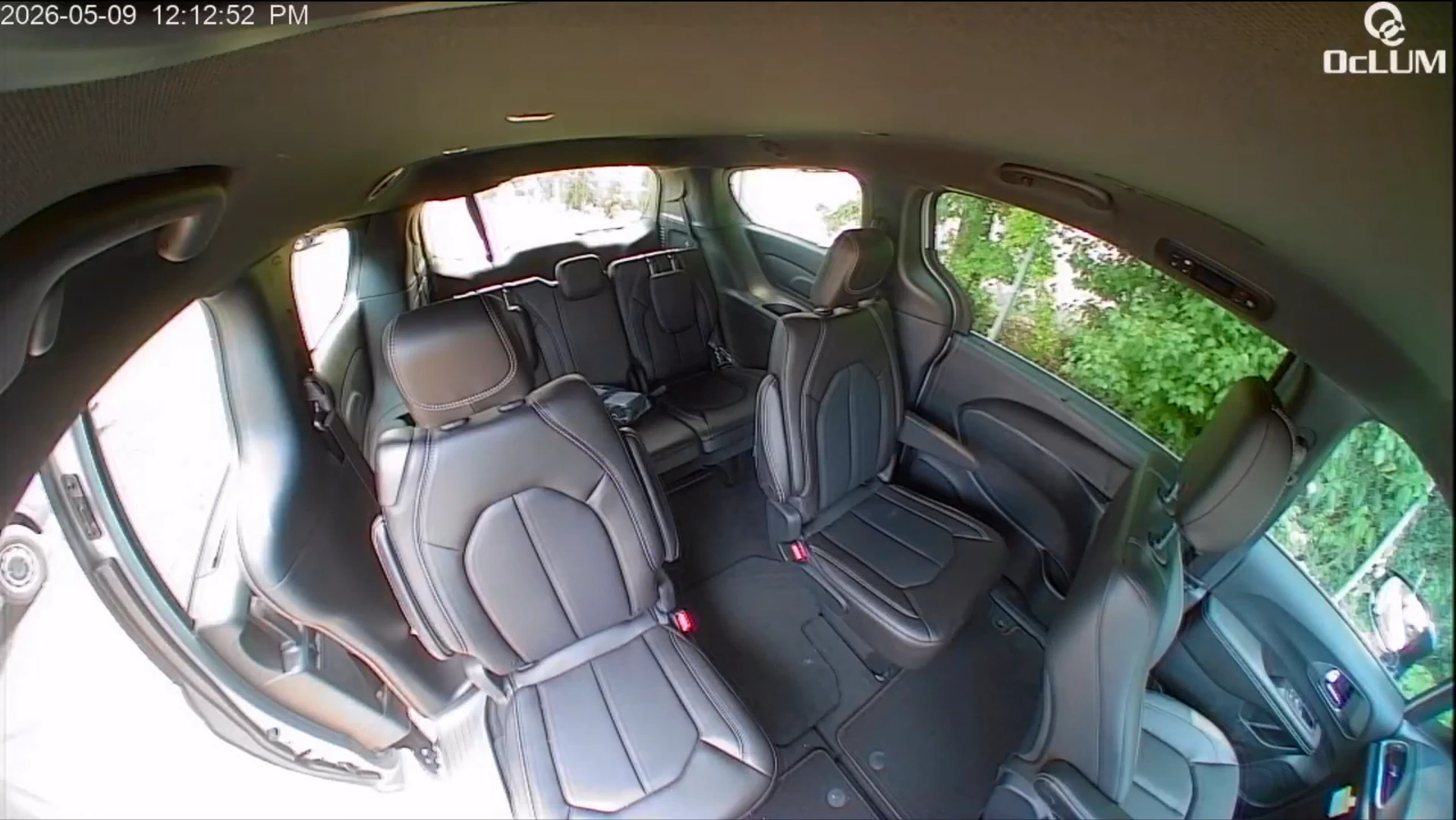
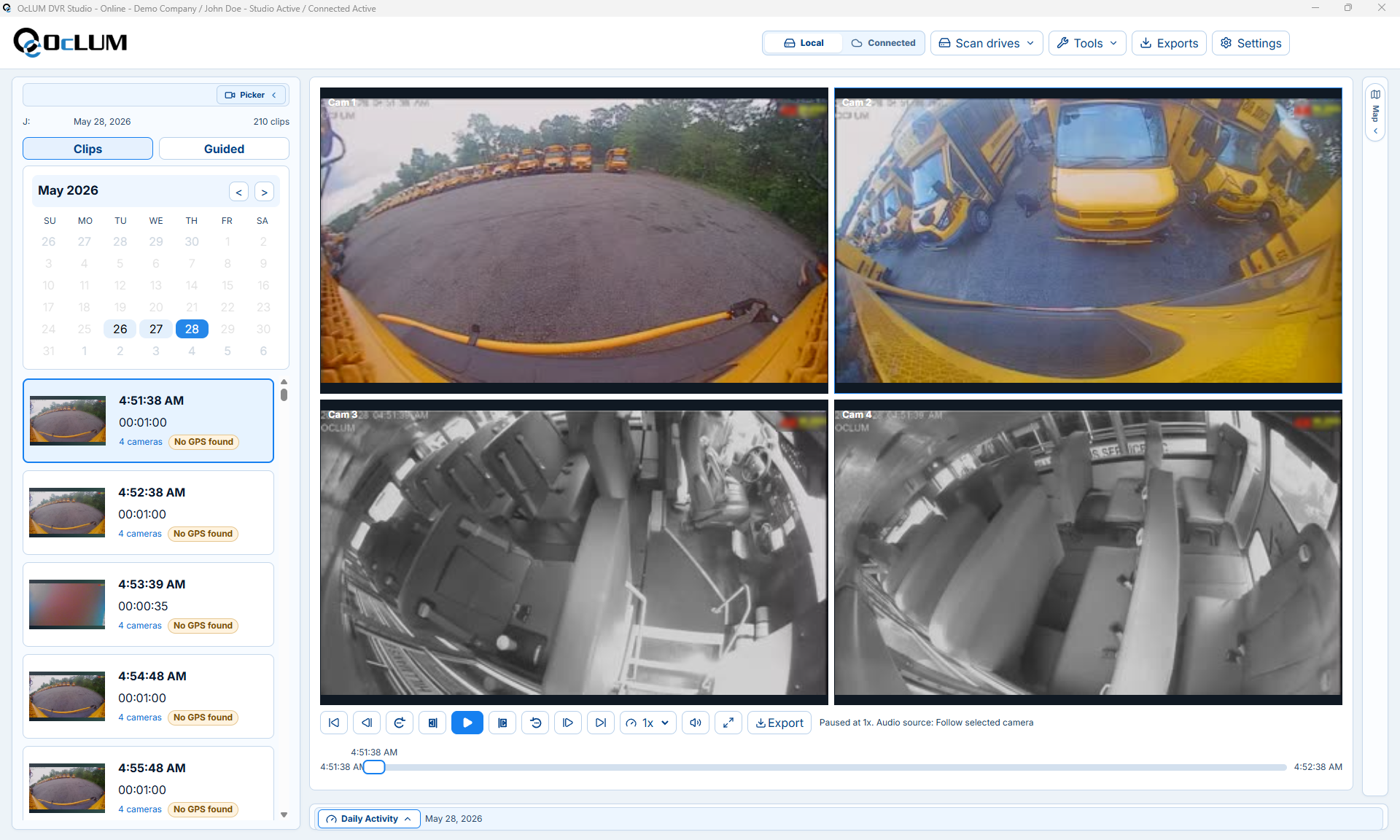
Use the arrows to compare compact camera bodies with real road, driver, front-cabin, rear-passenger, bus-interior, and multi-camera playback views.
Recording workflow
The useful result is not only a camera on the glass. Storage, event behavior, review access, and retention expectations need to be planned with the installation.
Set the forward, driver, front-cabin, passenger-area, or secondary views around the vehicle and operating goal.
Keep the camera discreet, preserve driver visibility, and route power or data cabling for service access.
G-sensor event behavior can lock selected files so normal loop recording does not overwrite them.
Retrieve supported footage from removable storage, a mobile workflow, or the selected DVR review system.
Core capabilities
Capabilities vary by camera and package, so OcLUM confirms the final hardware and recording path before quoting.
Choose the package
OcLUM can help choose a stand-alone camera, a multi-view DVR package, or an integration path that matches the vehicle and review workflow.