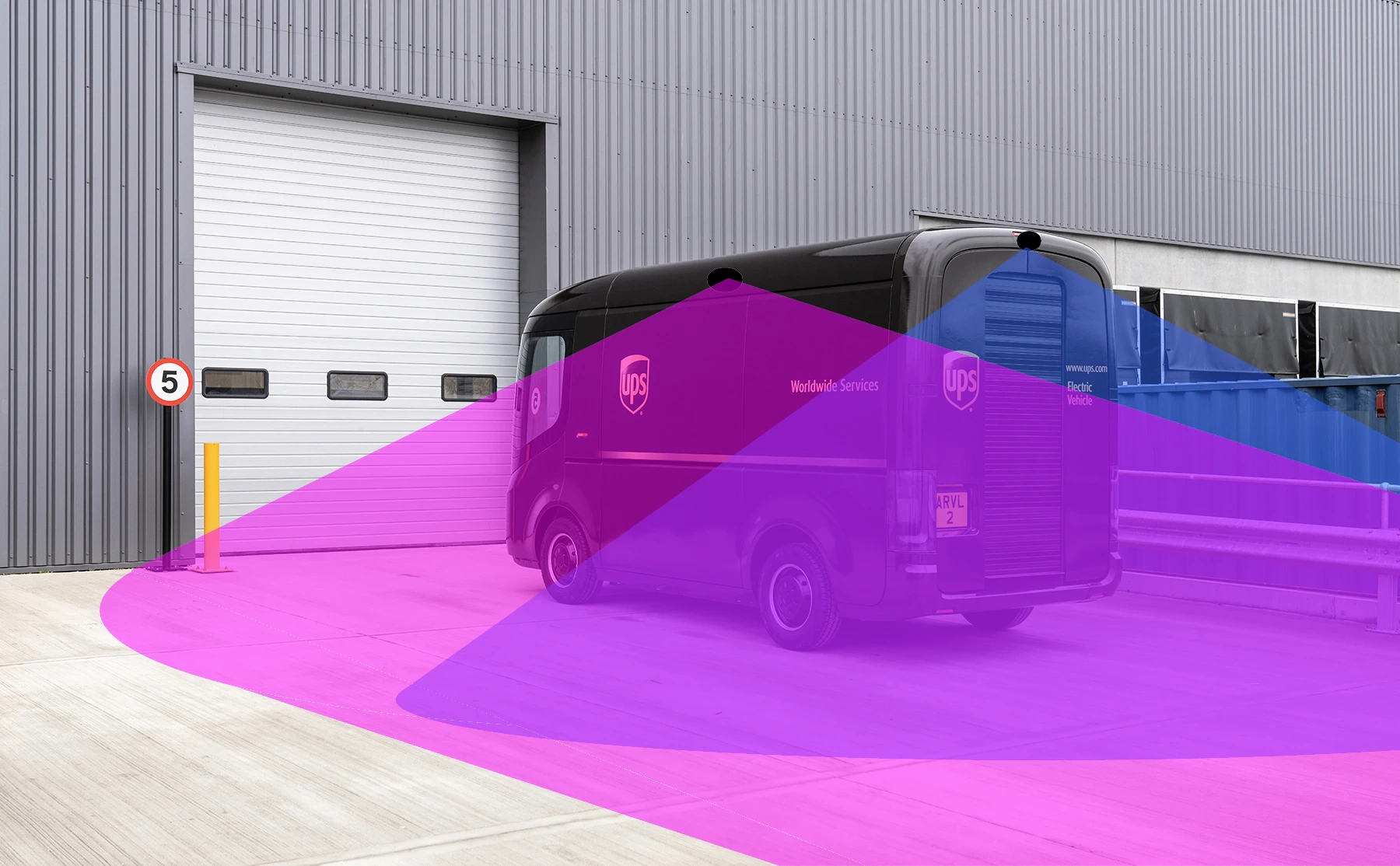
Commercial trucks
Rear and side-view support
Camera layouts can support box trucks, work trucks, service vehicles, and commercial vehicles where the body shape limits rear visibility.

Industrial Backup Cameras
OcLUM supports practical heavy-duty camera layouts for vehicles that need more than a basic passenger-car backup camera. Packages can be non-recording display systems or recording-capable builds tied into a DVR when the vehicle needs video retention.
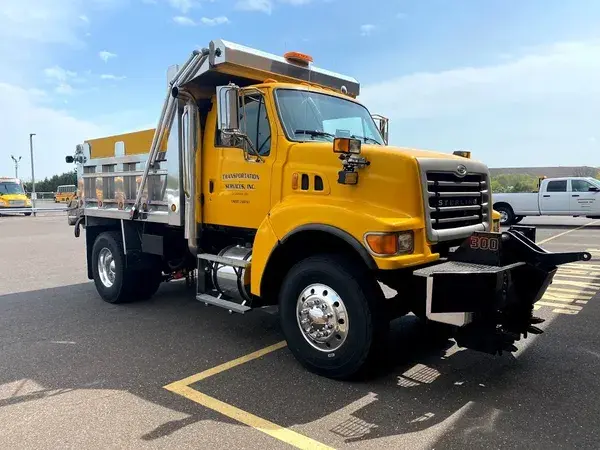
Industrial camera work is usually about fit: vehicle length, trailer disconnects, display placement, camera angle, weather exposure, and whether recording is needed.
Where These Fit
These systems are useful when a vehicle or trailer needs a clearer rear view, added side or cargo-area visibility, or a camera package that can be expanded into DVR recording later.
Commercial trucks
Camera layouts can support box trucks, work trucks, service vehicles, and commercial vehicles where the body shape limits rear visibility.
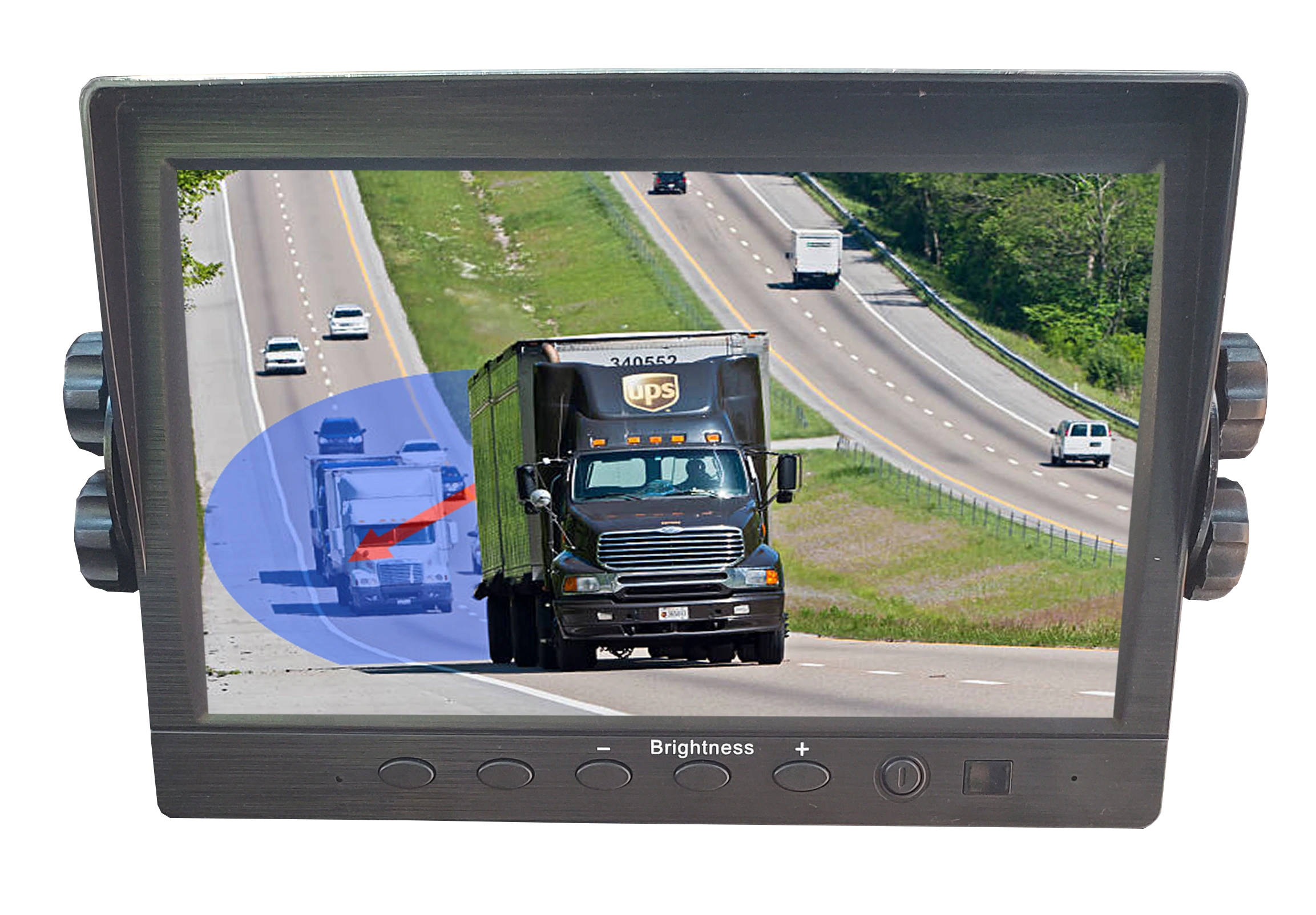
RVs and campers
Non-recording monitor packages can give RV drivers a cleaner rear image, with optional added views when the vehicle layout calls for it.
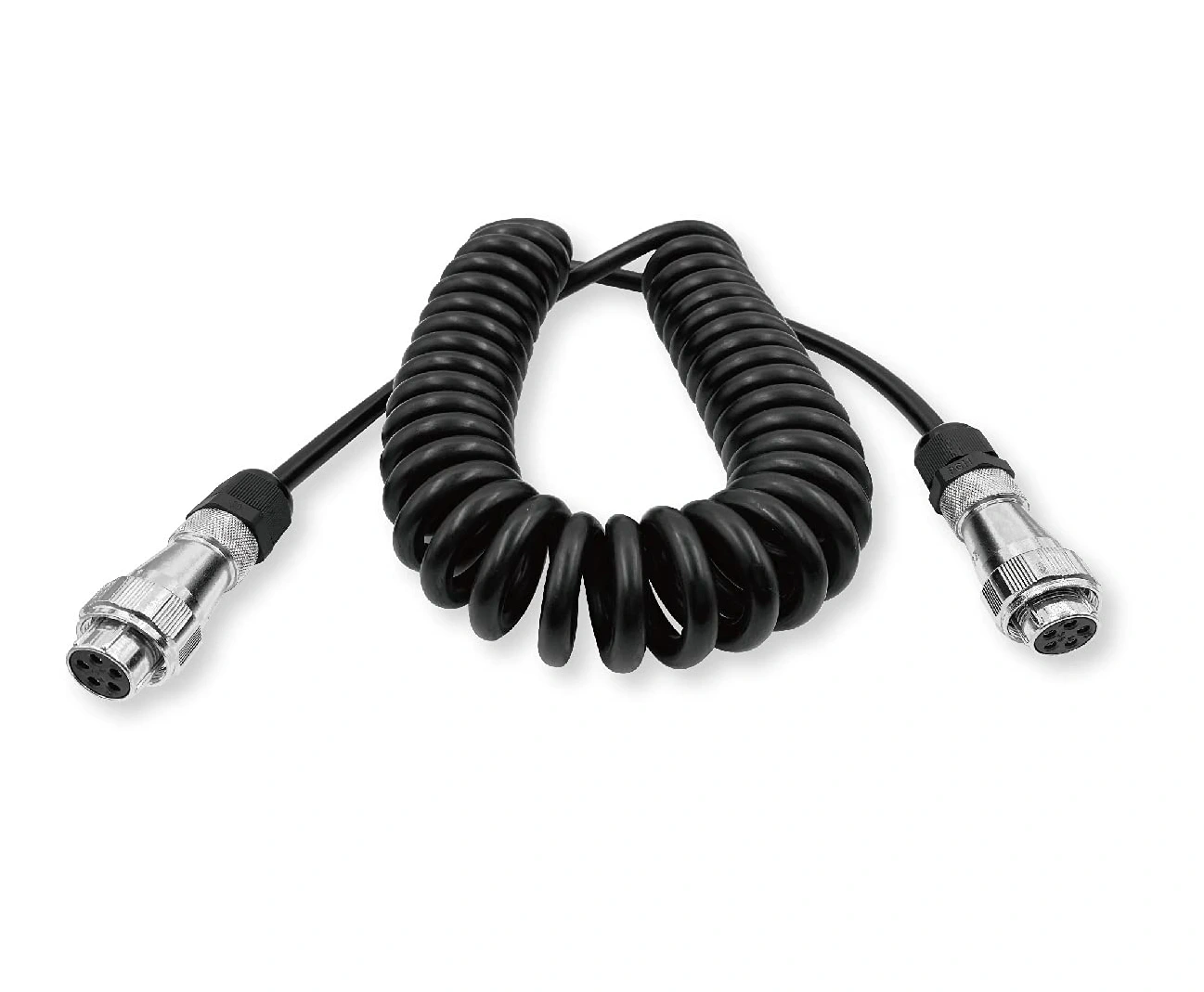
Trailer support
Trailer-friendly planning can include extension cables, protected routing, and disconnect points so camera wiring works with the way the trailer is used.
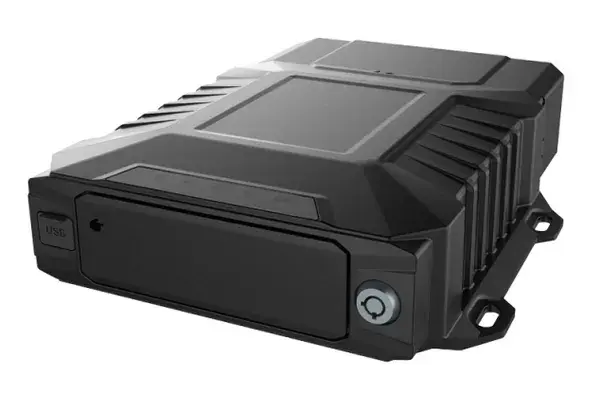
Recording option
When the customer needs retained video, the same camera planning can be tied into an OcLUM DVR package for playback, export, and review.
Industrial Camera Options
The final package depends on the vehicle body, mounting surface, camera distance, lighting, and whether the customer wants simple viewing or a DVR-connected system.
 Standard IR rear camera
Durable rear-camera style with infrared support, bracket mounting, and a tighter backup view for trucks, trailers, and equipment.
Standard IR rear camera
Durable rear-camera style with infrared support, bracket mounting, and a tighter backup view for trucks, trailers, and equipment.
 Ultra-wide adjustable camera
Wide exterior camera option for larger bodies or mounting points where one camera needs to cover more area.
Ultra-wide adjustable camera
Wide exterior camera option for larger bodies or mounting points where one camera needs to cover more area.
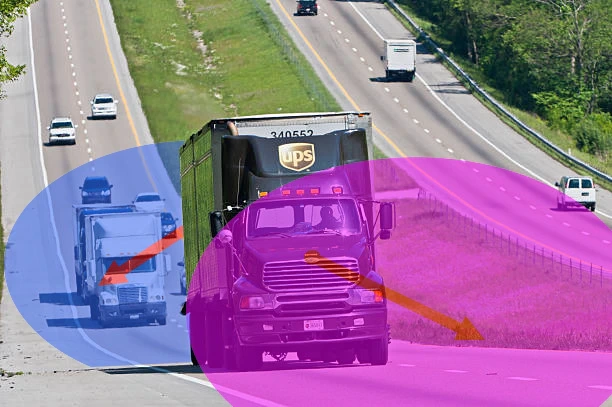 Side and exterior views
Side-view cameras can be planned for vehicle-specific blind spots, trailer sides, work zones, or equipment areas.
Side and exterior views
Side-view cameras can be planned for vehicle-specific blind spots, trailer sides, work zones, or equipment areas.
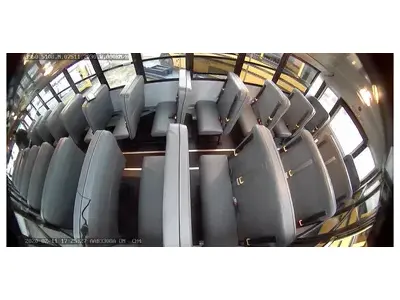
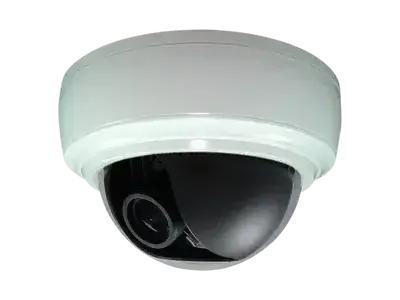 Interior or cargo-area camera
Interior and cargo-area viewing can be added when the customer wants to see inside a vehicle body, trailer, or work area.
Interior or cargo-area camera
Interior and cargo-area viewing can be added when the customer wants to see inside a vehicle body, trailer, or work area.
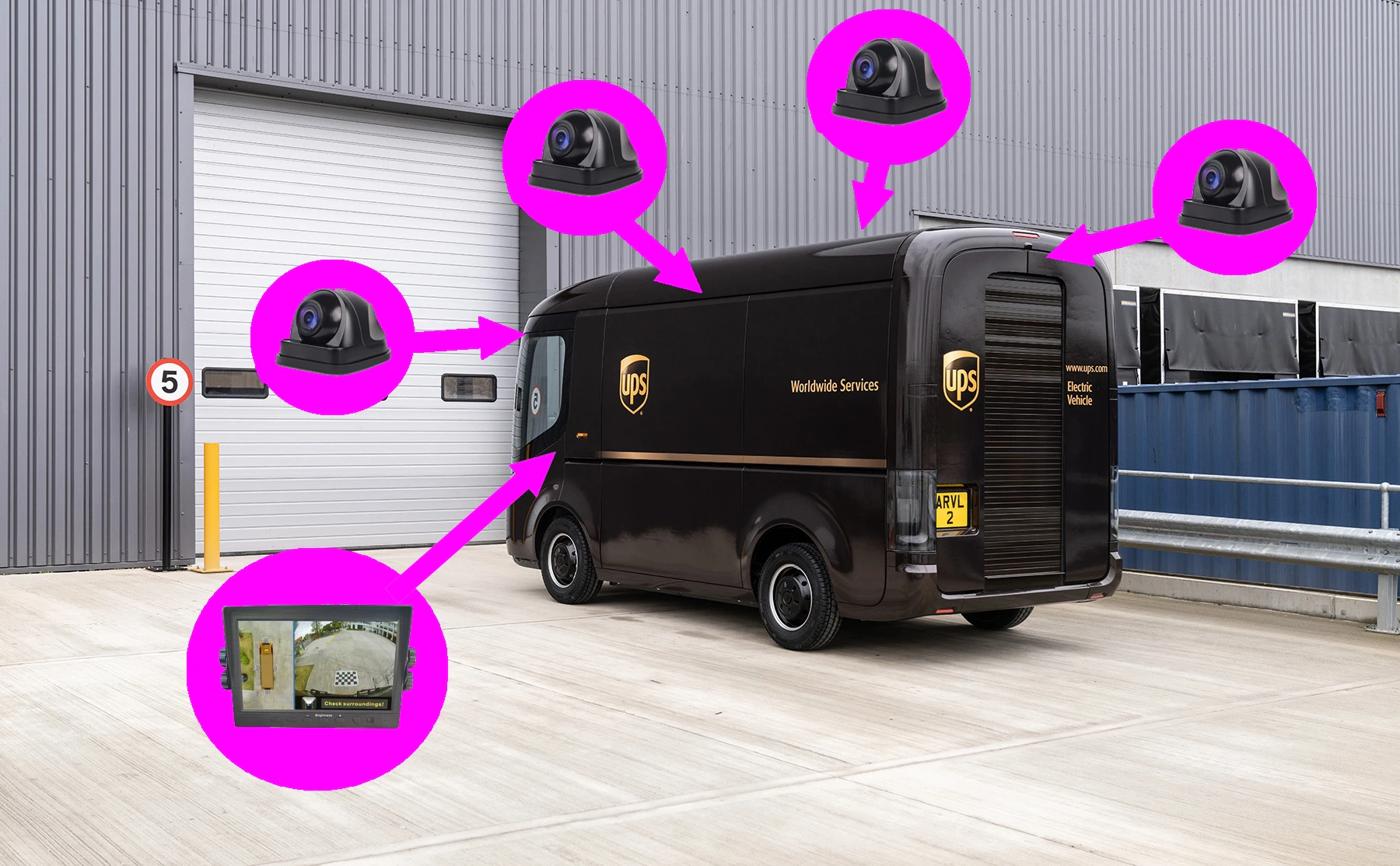 Exterior mounting support
Mounting, angle, weather exposure, and cable routing are reviewed before choosing the final camera and bracket.
Exterior mounting support
Mounting, angle, weather exposure, and cable routing are reviewed before choosing the final camera and bracket.
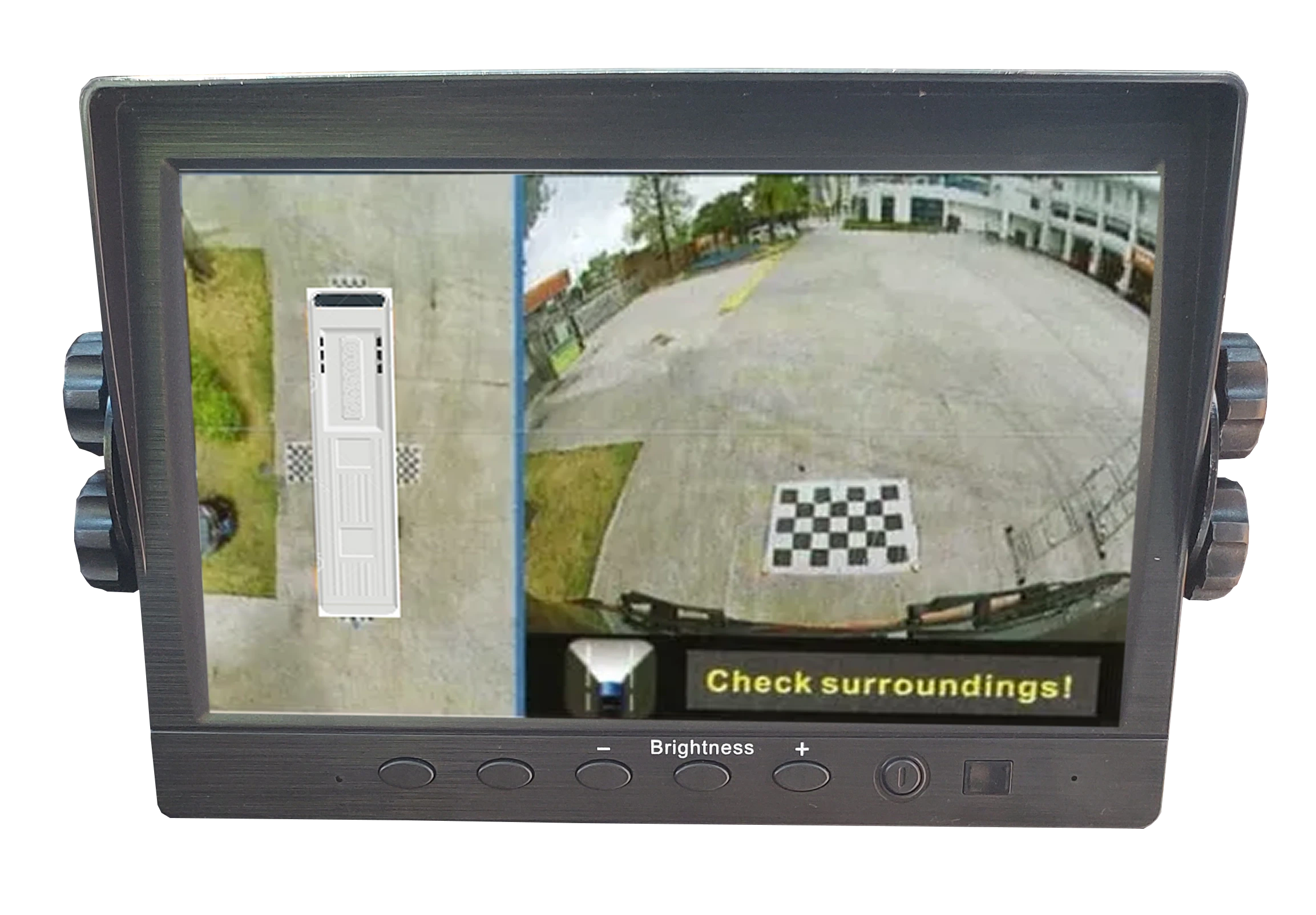 Split-screen display options
When multiple camera views are needed, display planning can include selected inputs or split-screen viewing where appropriate.
Split-screen display options
When multiple camera views are needed, display planning can include selected inputs or split-screen viewing where appropriate.
Trailer and Extension Planning
Industrial camera installs often need more planning than the camera itself. OcLUM can plan cable length, extension points, protected routing, connection locations, and service access so the system fits the truck, RV, trailer, or equipment layout.
Practical Details
OcLUM can review the vehicle type, trailer use, desired view, display location, existing equipment, power, cable routing, and whether recording is needed before recommending a package.
Plan an Industrial Camera Package
OcLUM can review the vehicle and recommend a practical camera/display layout without turning it into a larger system than the job needs.