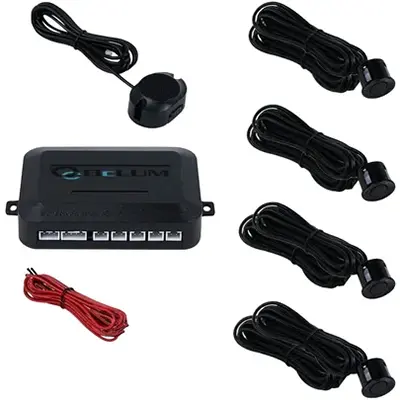
System hardware
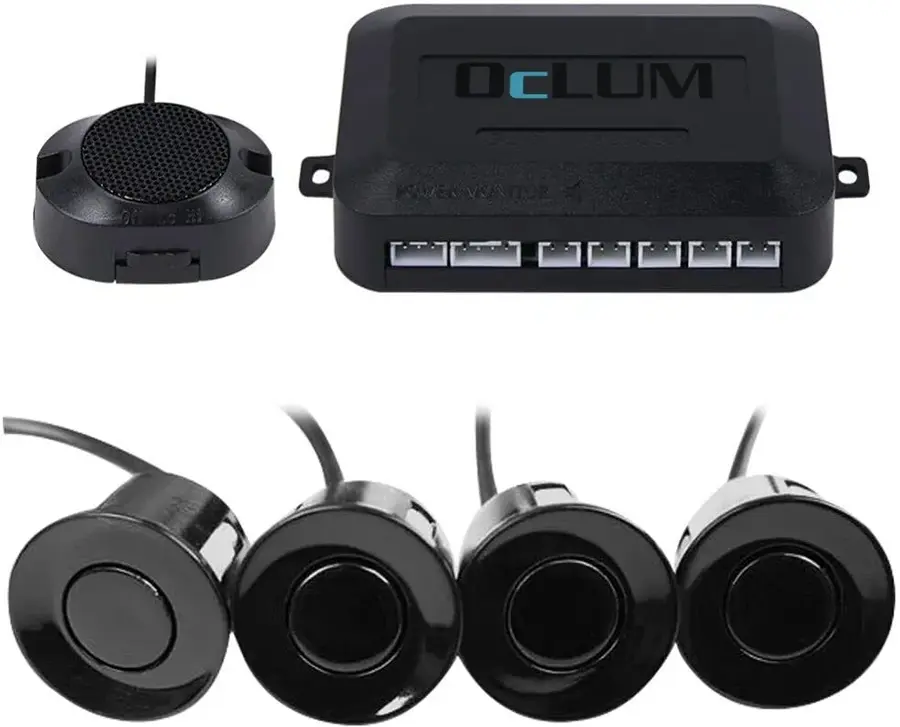
Four sensor inputs with an audible driver alert
Compact sensor faces connect through extended harnesses to a protected controller and in-cab warning speaker.

Cargo object sensors
OcLUM plans compact sensing systems around reverse zones, body corners, loading areas, doors, and other places where the driver cannot easily see a nearby object.
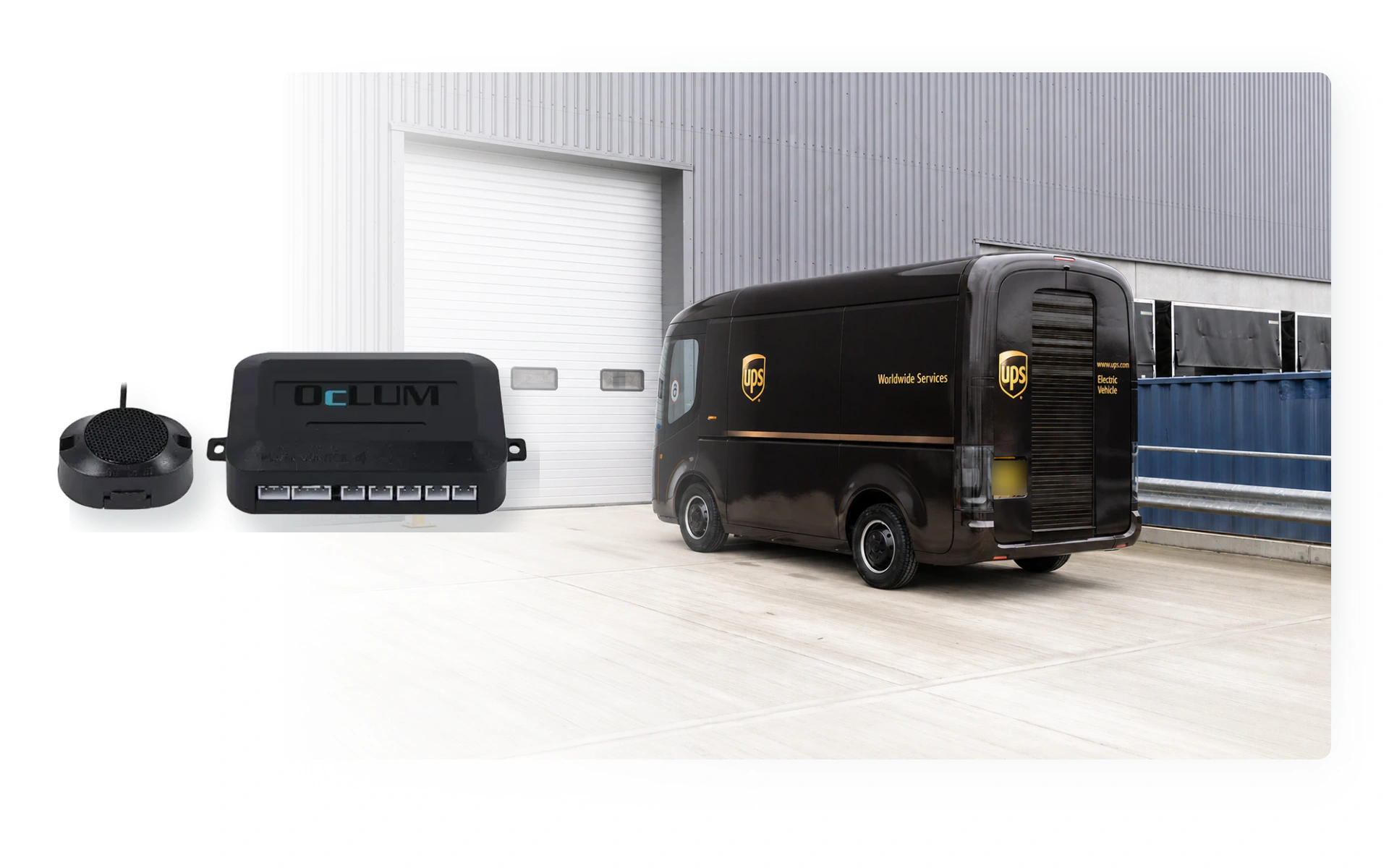
The system can monitor selected close-range areas and notify the driver when an object enters a configured zone.
Cargo detection zones
Body shape, doors, steps, loading activity, mounting access, and the driver's normal sight lines determine where sensing is useful.
System hardware
Compact sensor faces connect through extended harnesses to a protected controller and in-cab warning speaker.
Rear and side zones
Sensors can be positioned around selected close-range areas where body shape limits the driver's view.
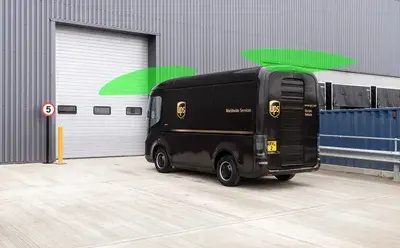
Working vehicle fit
The final coverage is selected for the vehicle's routes, loading workflow, mounting surfaces, and service access.
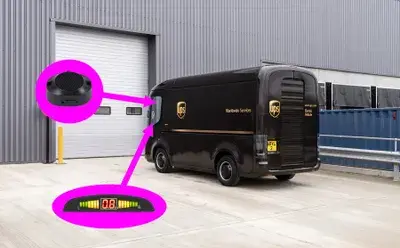
Driver notification
The alert is positioned where the driver can hear it without adding an unnecessary display to the cab.
System planning
OcLUM starts with the actual vehicle and operating goal, then confirms camera placement, switching behavior, recording, cable routing, and review access before installation.
Identify passenger, doorway, road, rear, side, cargo, or close-range areas the driver or reviewer needs to see.
Plan automatic switching, push-button selection, split-screen viewing, or a dedicated reverse view.
Confirm the channel count, storage, event retention, playback, and export workflow.
Mount and route the system for service access, then verify every camera view and trigger on the completed vehicle.
Platform capabilities
Final specifications depend on the selected cameras, display, recorder, vehicle body, and operating requirements.
Plan the system
Send OcLUM the vehicle type and required views. We can plan cameras, display behavior, recording, installation access, and review workflow.