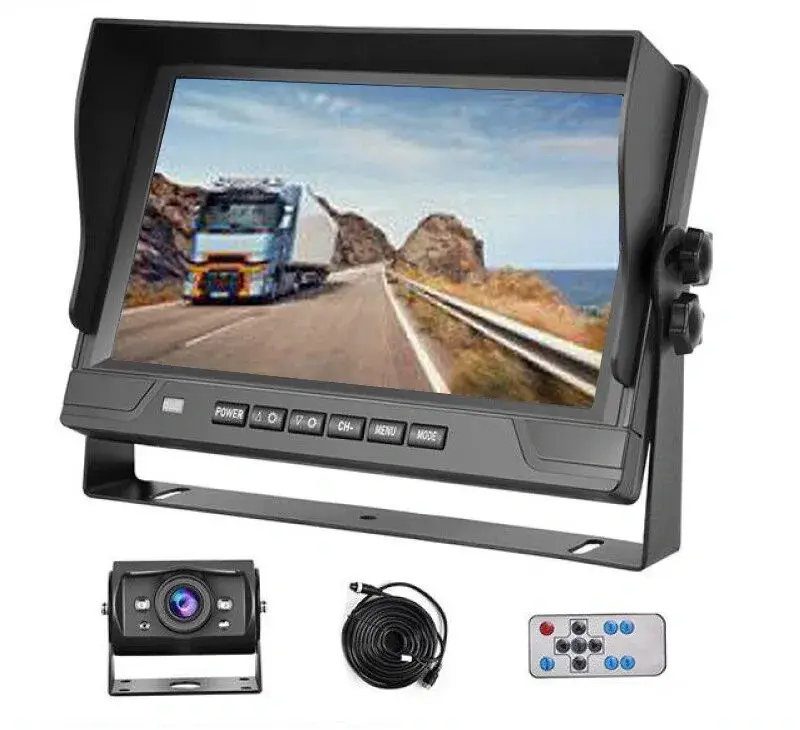
Live reverse view
Camera and display for daily backing visibility
A practical rear-view package gives the driver an immediate view without requiring a full DVR workflow.

Cargo van recording and backup
OcLUM combines practical cargo-van backup visibility with optional multi-camera recording, review, and export instead of adding disconnected equipment later.
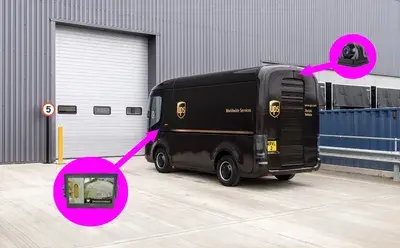
Camera position, display placement, switching, and recording are planned around the van's rear doors, length, and operating environment.
Backup and recording paths
The system can remain a focused backup-camera package or expand into a recorded multi-view system with incident review.
Live reverse view
A practical rear-view package gives the driver an immediate view without requiring a full DVR workflow.
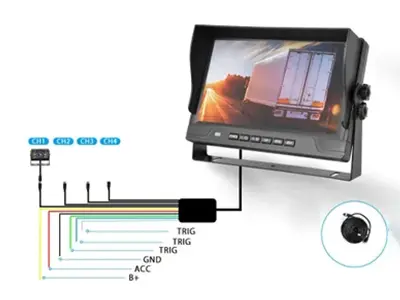
Display behavior
The display can switch for reversing and provide additional manual views when the selected package supports them.
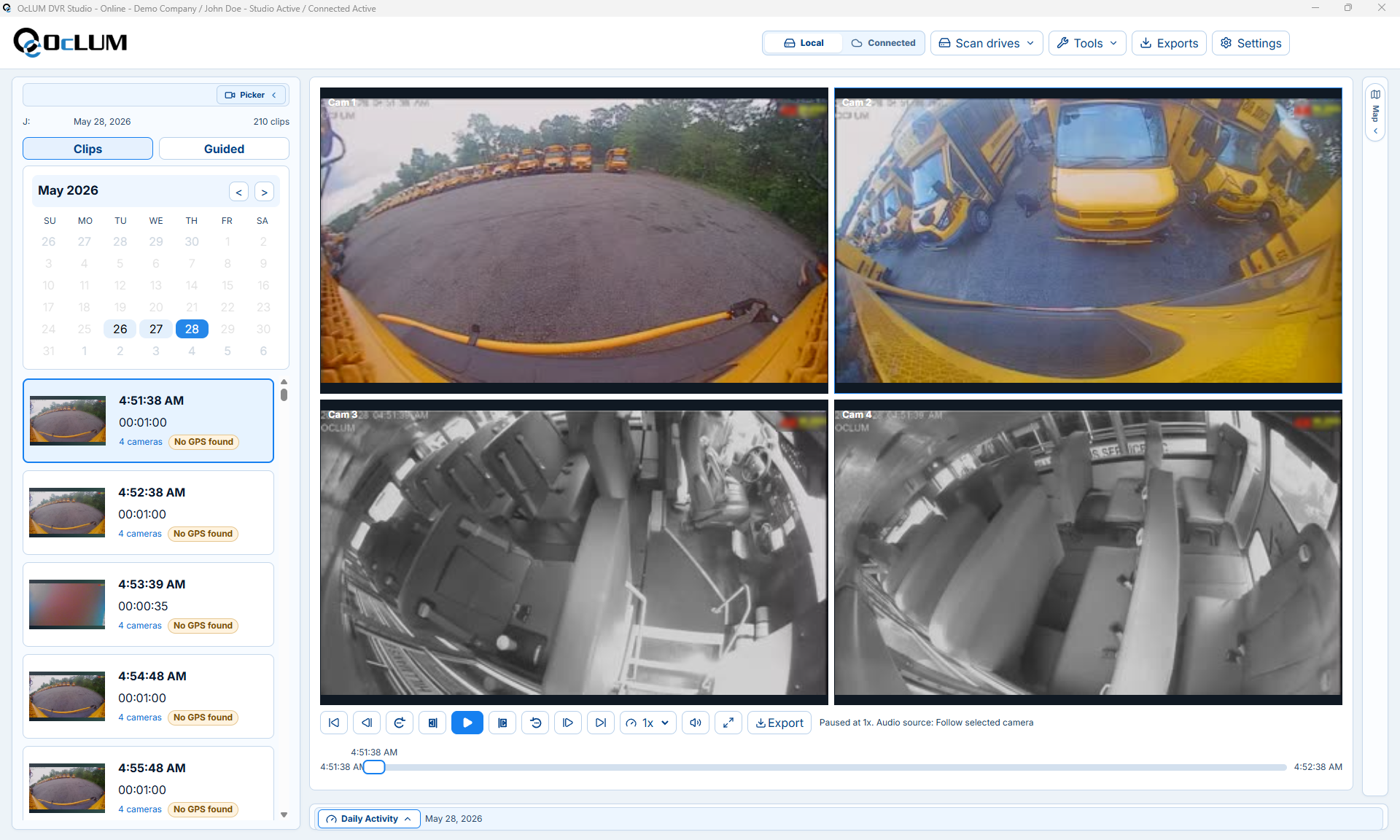
Recorded option
Recording can be added when the fleet needs incident, cargo, damage, or insurance documentation.
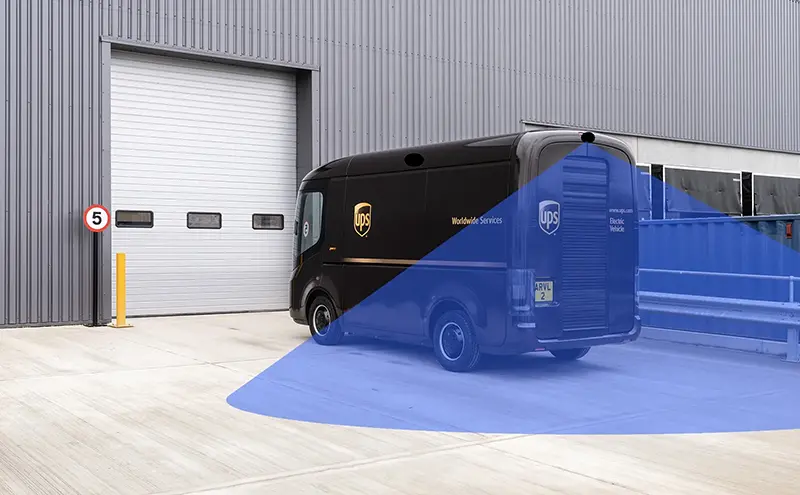
Retrofit planning
Mounting, cable access, display placement, and serviceability can be reviewed for new builds or retrofit work.
System planning
OcLUM starts with the actual vehicle and operating goal, then confirms camera placement, switching behavior, recording, cable routing, and review access before installation.
Identify passenger, doorway, road, rear, side, cargo, or close-range areas the driver or reviewer needs to see.
Plan automatic switching, push-button selection, split-screen viewing, or a dedicated reverse view.
Confirm the channel count, storage, event retention, playback, and export workflow.
Mount and route the system for service access, then verify every camera view and trigger on the completed vehicle.
Platform capabilities
Final specifications depend on the selected cameras, display, recorder, vehicle body, and operating requirements.
Plan the system
Send OcLUM the vehicle type and required views. We can plan cameras, display behavior, recording, installation access, and review workflow.